Usage Steps
Now that it is open
There are 3 main things you can do with this that will make your life much easier.- Log your time to a specific ticket.
- Use the + time button on the bottom line of the issue listing.
- Converse with your team about the issue or the project
- Use the Converse button to access the Conversation Hub, if your org has it installed. This allows direct conversations in the ticket and confluence pages about the issue. Useful for recording the important things to remember and archive, or really just to help you complete the ticket.
- Change the ticket status
- This is the fantastic part. you don't need to go hunting for your projects, their boards, or the issues assigned you and then try and search for yours, if you even remember the title.
- It's all right here, in your WorlkPlus app.
- Just click on the status and select the next work state and you are done.
Later are for issues you can't address this week.
Park are for those you aren't sure if you can, or can not work on this week, or even next week. They are down at the bottom of the page, waiting to be unparked.
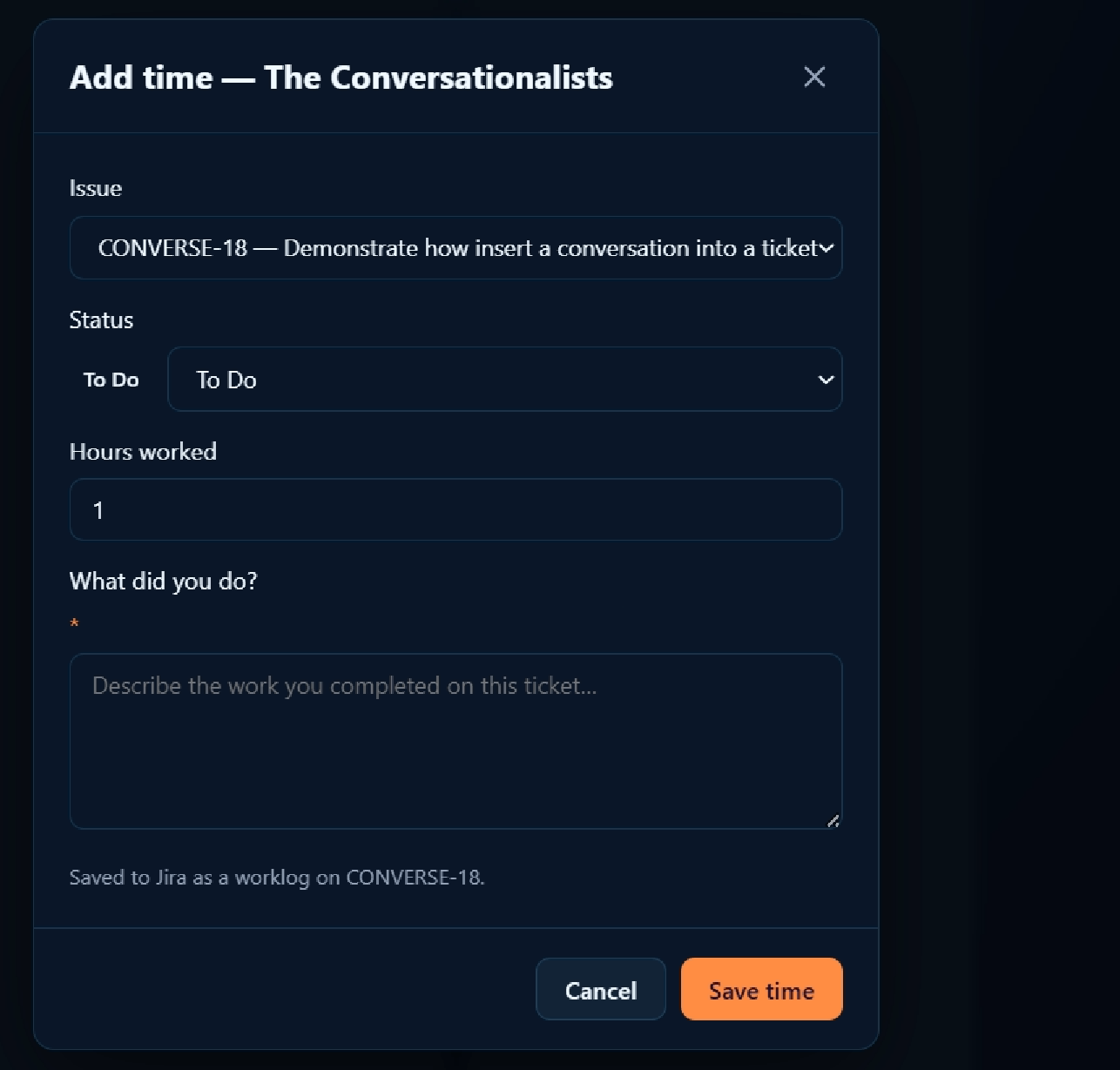
You have your issue id to validate you are on the correct one.
You can change the status here as well.
Enter the hrs spent.
Enter a comment about what you did.
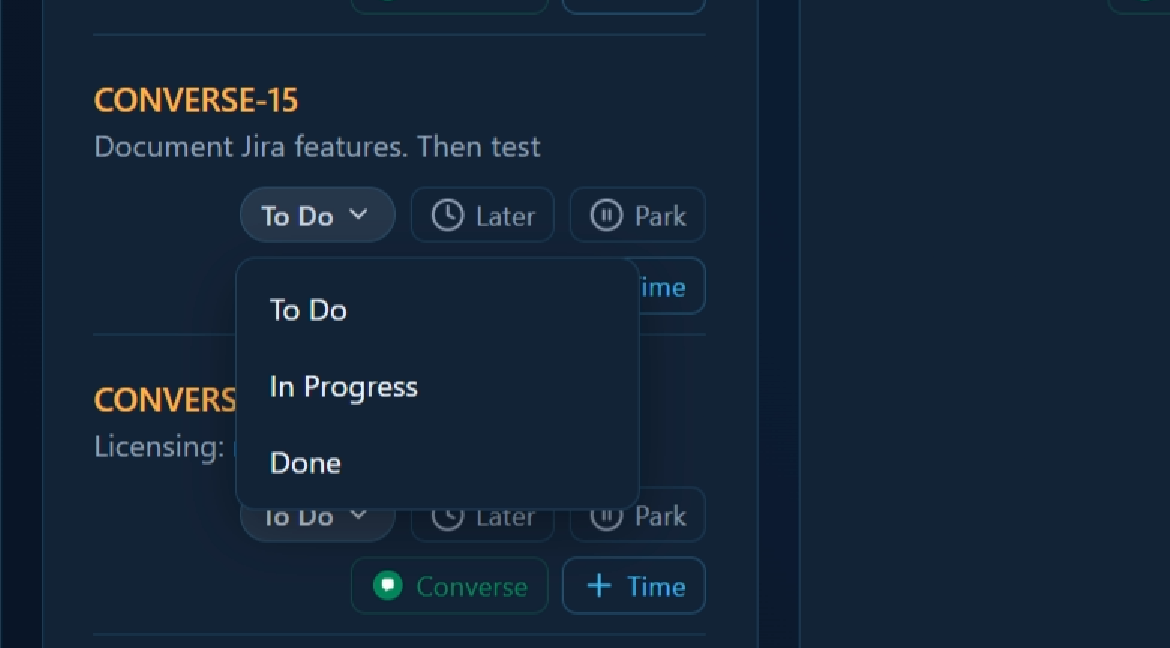
All the status steps configured for your project will be displayed here.